How to Check Your ITI Result Online 2026 quickly and securely. Follow this official NCVT CBT step-by-step guide to download your ITI marksheet PDF, verify 1st & 2nd year scores, and avoid common mistakes.
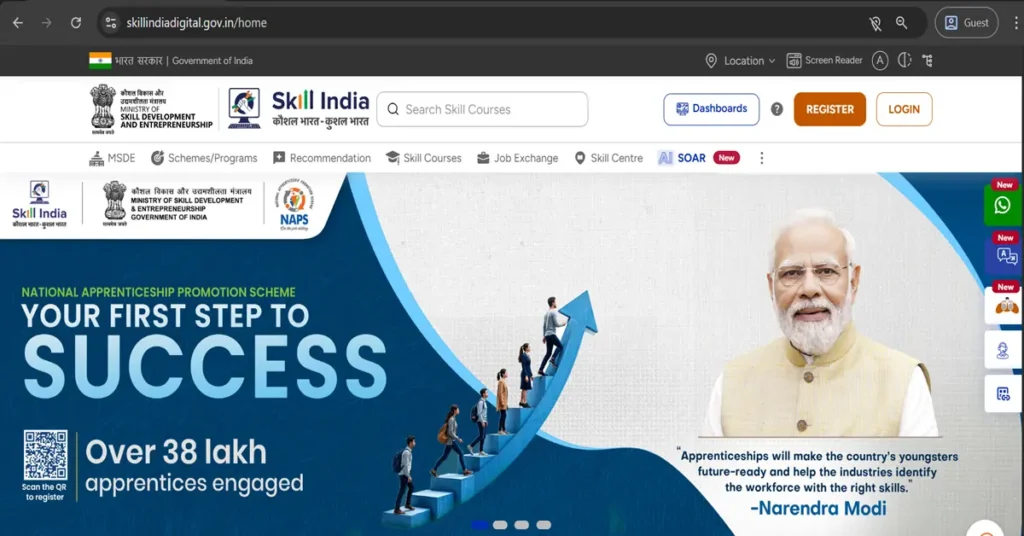
How to Check Your ITI Result Online 2026 Step-by-Step Guide
Checking your ITI result online is now a fast and simple process. Whether you are a 1st Year or 2nd Year student, you can easily access your marksheet from the official portal. To make the process smooth, here is a clear and easy Step-by-Step Guide to Check Your Result.
Step 1: Click on the Result Link Below
Start by clicking the official result link provided on the website. This link will take you directly to the result dashboard where students can log in.
Step 2: The Login Page Will Open
Once the website loads, the login page will appear. If the page loads slowly:
- Refresh the page
- Check your internet connection
- Try again after some time
During peak result time, servers may become slow, so stay patient.
Step 3: Enter Registration Number & Password
Type your Registration Number and Password (which is your Date of Birth in DD/MM/YYYY format). Make sure you enter the correct details.
- You enter correct details
- There are no typing mistakes
- The date format is accurate
Incorrect details will prevent you from accessing your ITI result online.
Step 4: Click on “View Marksheet”
After successful login, your dashboard will appear. Now click the “View Marksheet” button to access your exam details. This section contains your complete subject-wise marks.This is the most important step to Check ITI Result Online 2026 successfully.
Step 5: Check Your 1st & 2nd Year Results
Your complete marksheet will be displayed, including 1st Year and 2nd Year marks. Check your theory, practical, and total marks carefully.
- You can verify:
- 1st Year marks
- 2nd Year marks
- Theory marks
- Practical marks
- Total marks
- Result status
Step 6: Download & Print Your Marksheet
Finally, download your marksheet in PDF format. Take a printout for job applications, apprenticeships, and future document verification.
- After downloading:
- Take a clear printout
- Keep a soft copy saved
- Store it safely for future use
Your ITI marksheet is important for:
- Government job applications
- Private sector jobs
- Apprenticeship registration
- Document verification
- Higher education admission
See More: ITI Marksheet & Certificate Download

Important Tips to Check ITI Result Online 2026
Keep These Details Ready
- Before checking your result, keep the following ready:
- Registration Number
- Date of Birth
- Stable internet connection
- Mobile or computer
Common Mistakes to Avoid
- Entering incorrect registration number
- Using wrong date format
- Visiting unofficial websites
- Forgetting to download the PDF
Avoid these mistakes while following this Step-by-Step Guide to Check ITI Result Online 2026.
By following these simple steps, you can easily check and download your ITI result without any confusion.
ITI Result Link-1
By clicking the button below, you can directly check your ITI Result 2025.
ITI Result Link-2
You can check your result directly by clicking the button below